Introduction
Welcome to the official step-by-step guide for using our auction platform. Click the tabs above to navigate the process easily.
Login/Registration
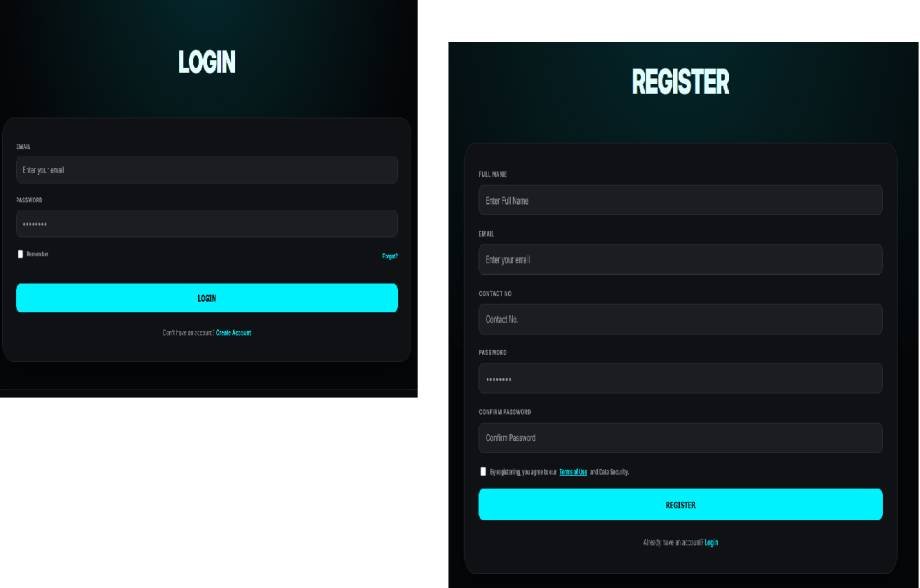
Click the Register button in the top right corner. The registration page will open; now fill out the form and click on the REISTER button. After registration, you will receive a user verification link on your registered email. Click on the link and verify your email; after that, your account will be activated.
If you have already registered, then click on the Login button
Dashboard
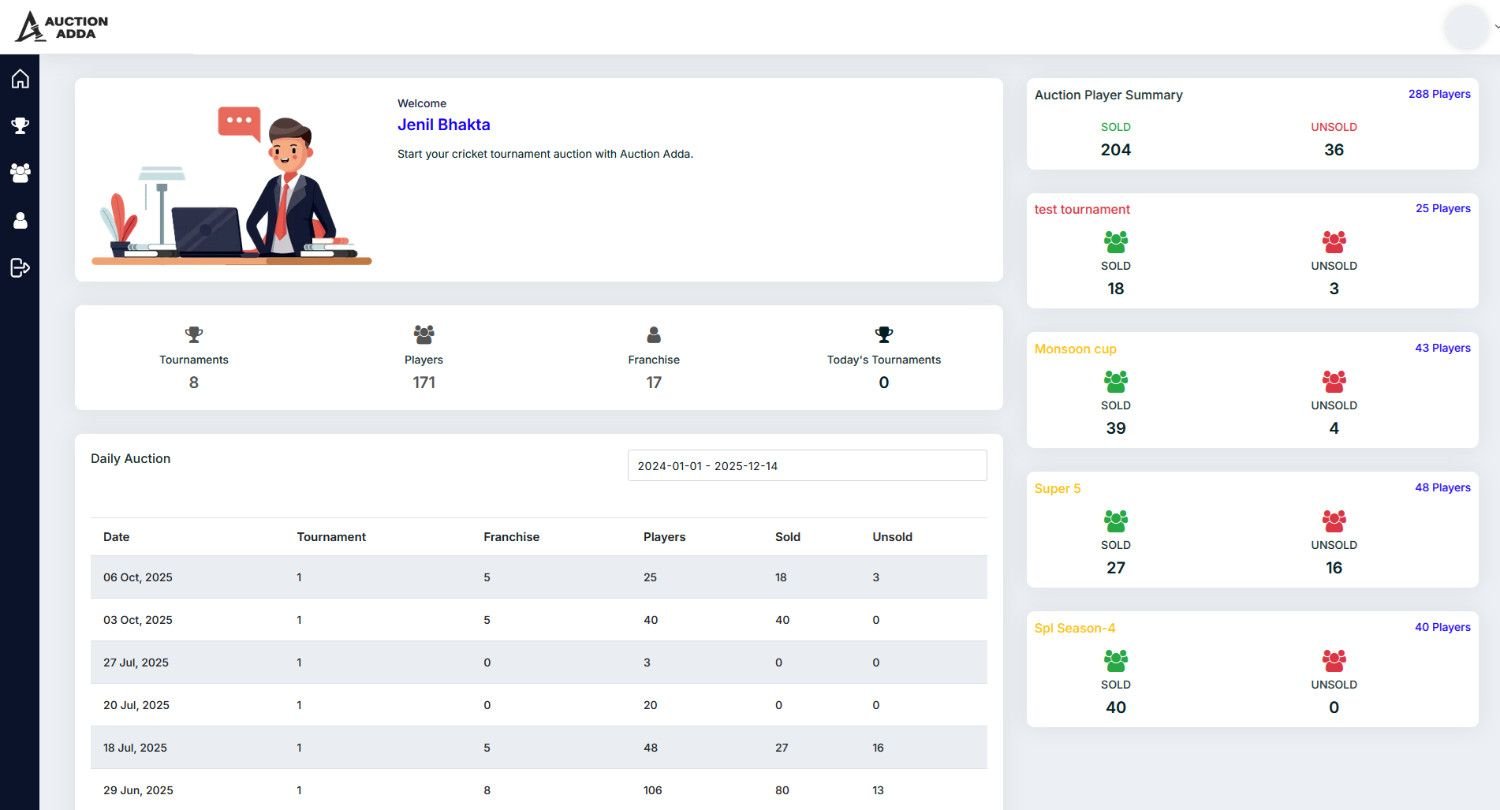
After a successful login, you will see the dashboard, which displays statistics for your tournaments.
Tournament
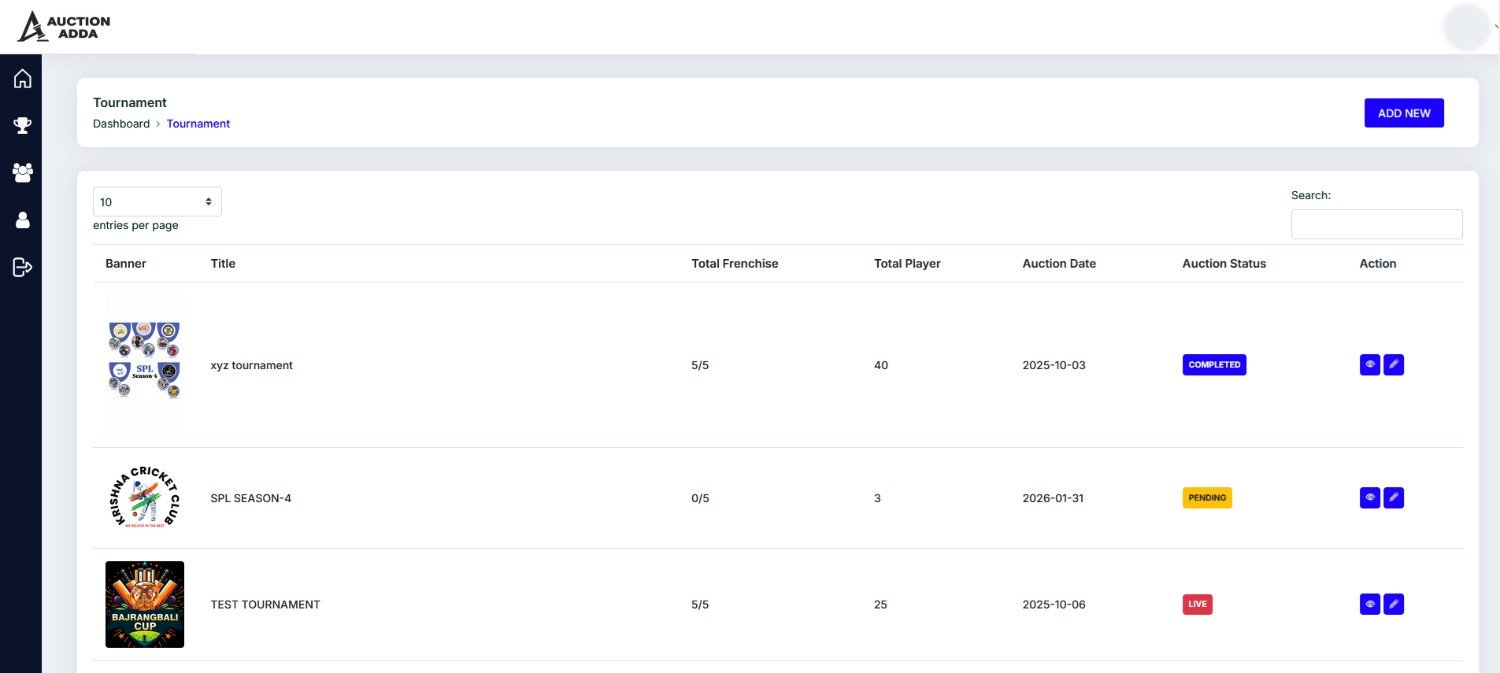
From the left-side menu, click on the 'Tournaments' tab, and you will see the Tournament page, which lists all the tournaments you have added.
Add Tournament
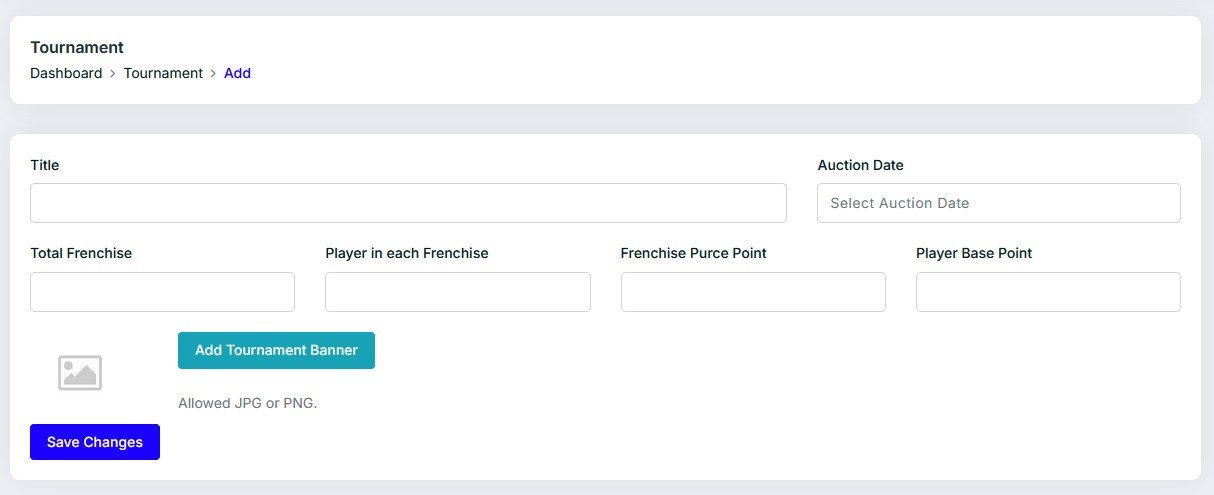
For adding a new tournament, click the 'Add New' button. This will take you to a new screen. Fill in all the necessary data and click 'Save Changes' to complete the process.
Franchise/teams
From the left-side menu, click on the 'Franchise' tab, and you will see the Franchise/Team page, which lists all the franchise -> franchises you have added.

Add Franchise/Team
To add a new team, click the 'Add New' button. This action takes you to a new screen. Fill in all the necessary data, select the tournament in which you want to add this team, and click 'Save Changes' to complete the process.
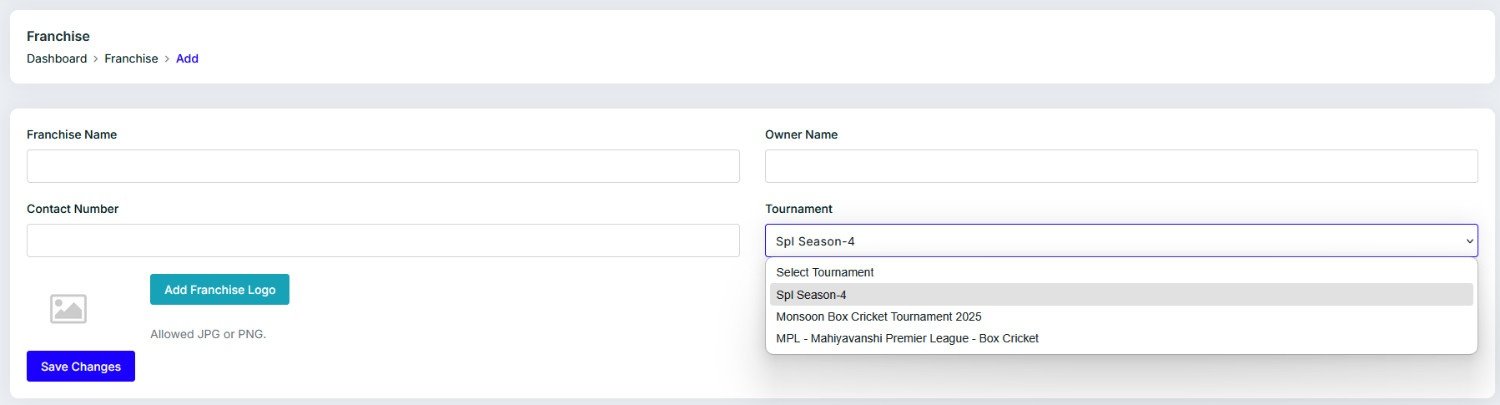
Edit Franchise/Team
You can also edit this franchise/team from the list on the Franchise page.

Player
From the left-side menu, click on the 'Player' tab, and you will see the Player page, which lists all the player -> players you have added.

Add Player
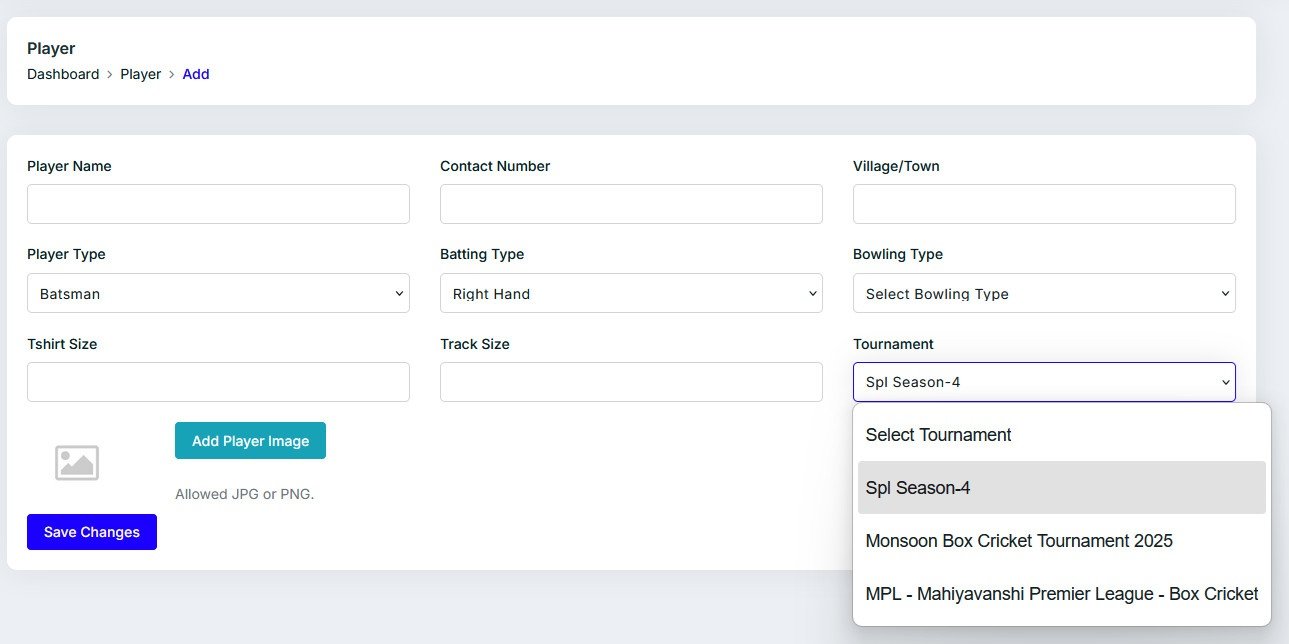
To add a new player, click the 'Add New' button. This action takes you to a new screen. Fill in all the necessary data, select the tournament in which you want to add this player, and click 'Save Changes' to complete the process.
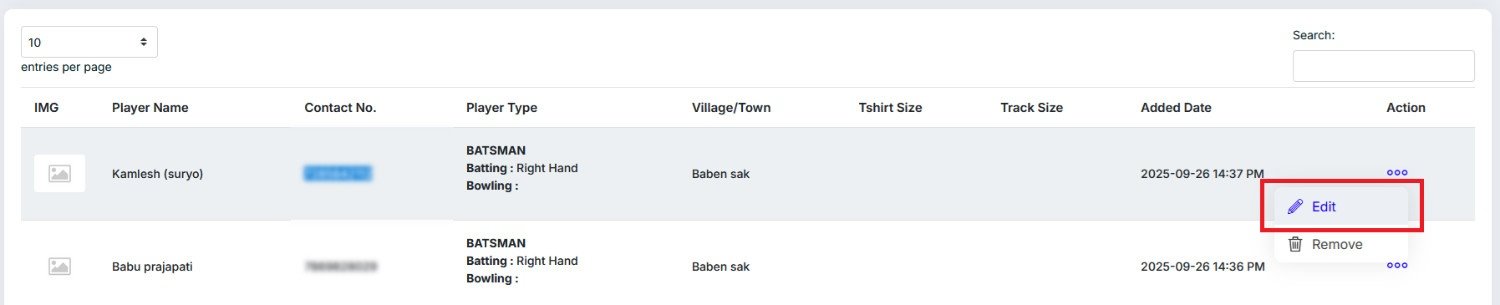
Edit/Remove Player
You can also edit or remove player from the list on the Player page.
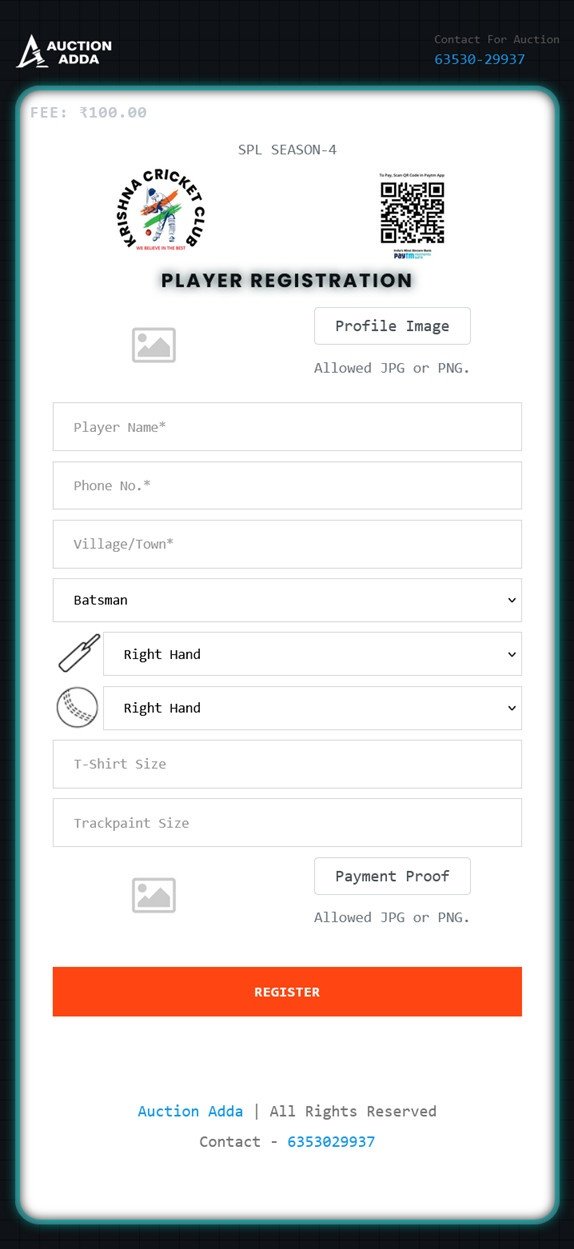
Player Self Registration
You can also share the player registration link, and players can register themselves.

Auction
To start the auction, go to the Auction Details page and click on the 'Start Auction' button on the top right side.

Start Player Auction
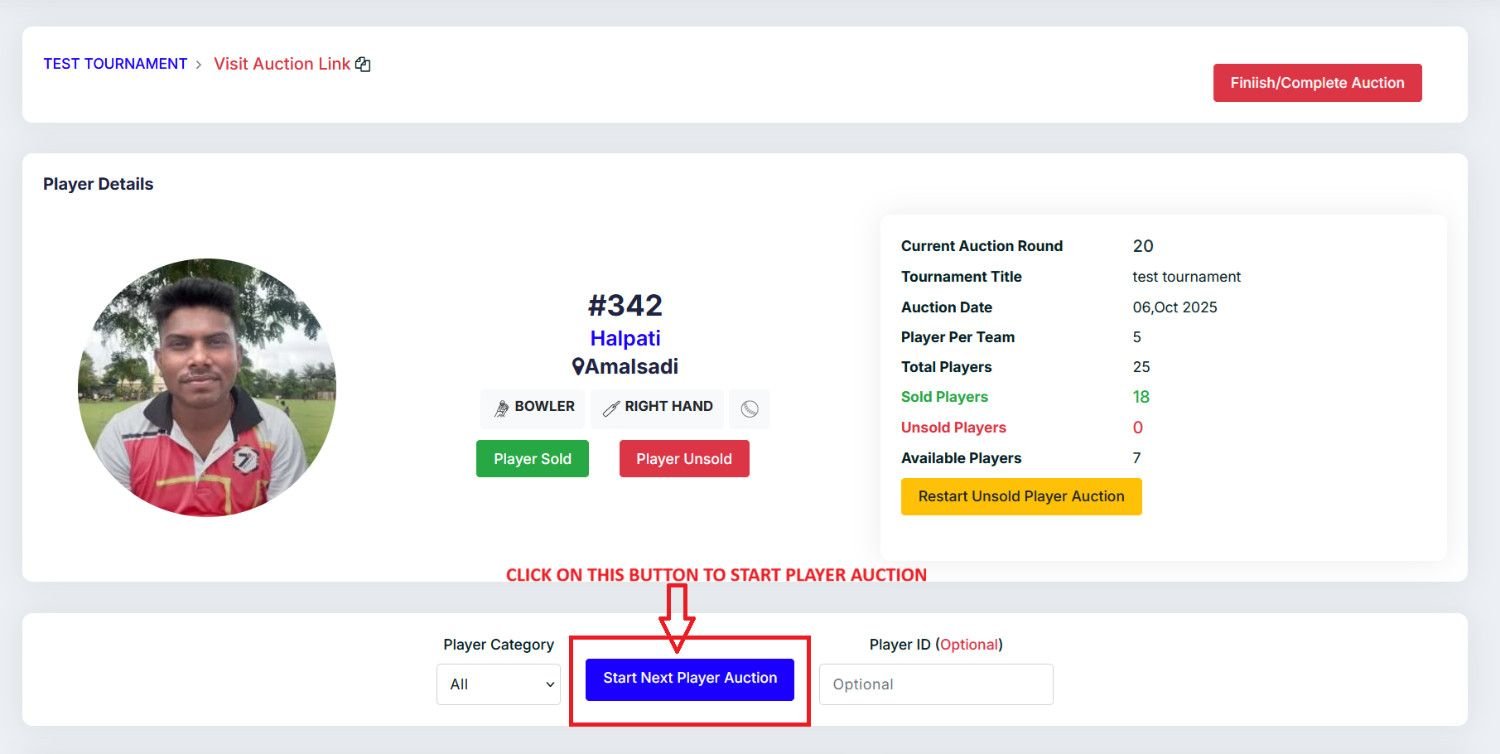
To start the player auction, just click on the 'Start Next Player Auction' button. You can also filter players by category. If you want to run an auction for a specific player, just insert the Player ID in the 'Player ID' box and click the button.
Player Bidding
To bid, enter the bid points in the 'Bid Points' box, then select the team that is currently calling the bid.

Restart Unsold Player Bidding
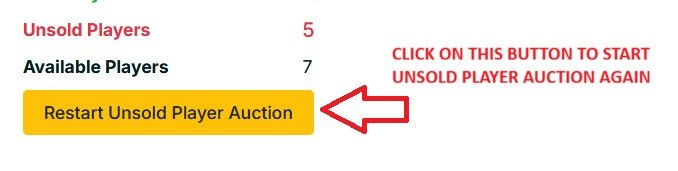
To restart the bidding for an unsold player, just click on the 'Restart Unsold Player Auction' button.
Live Preview
From the Auction page, you can copy and share the live auction link.

Auction Live Page

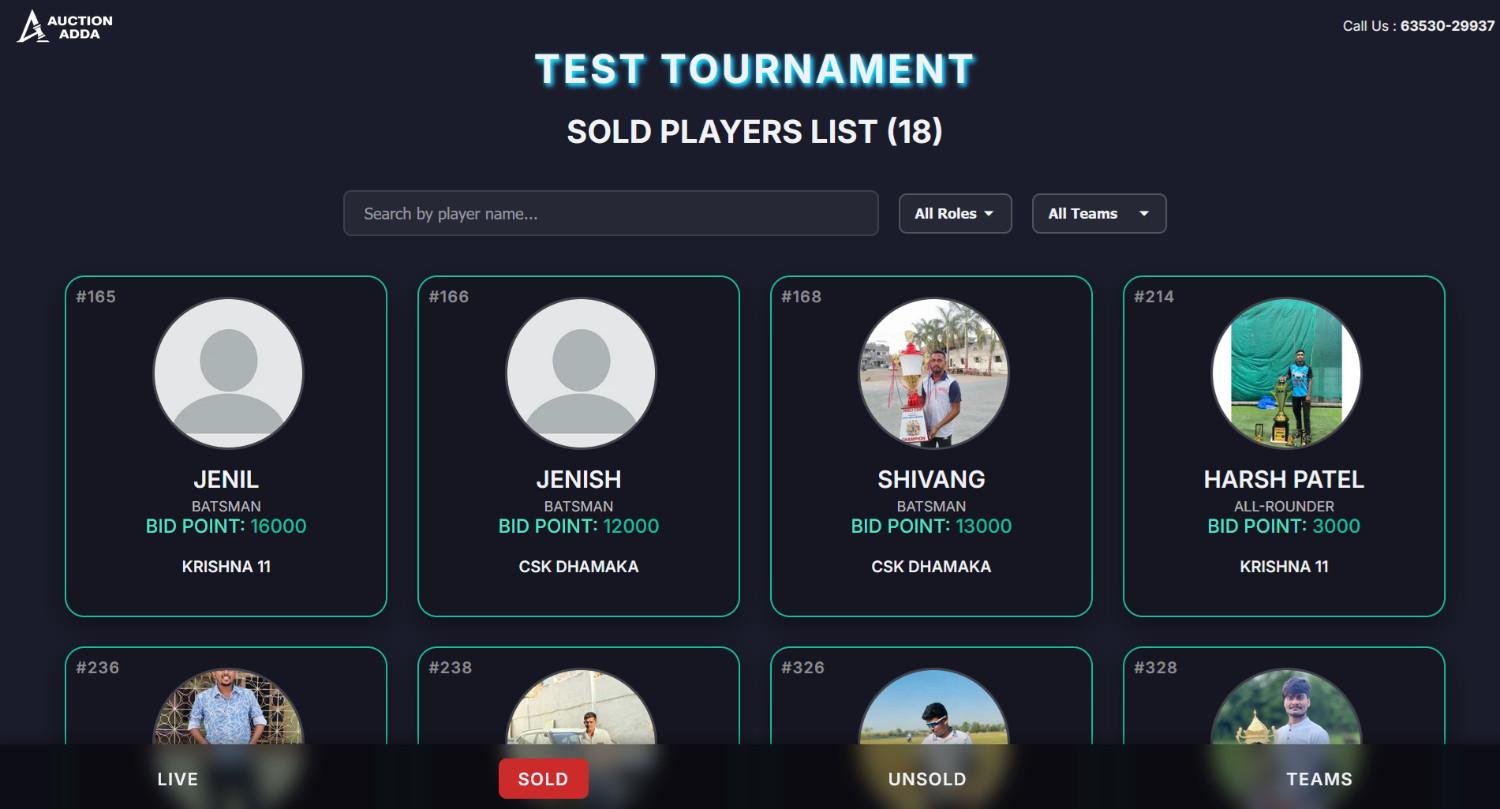
Auction Live Sold Player List
Auction Live Unsold Player List

Auction Live Team List
